
A bare-metal Neo Geo emulator
for Raspberry Pi.
No operating system. No setup hassle. Just power on and insert coin.
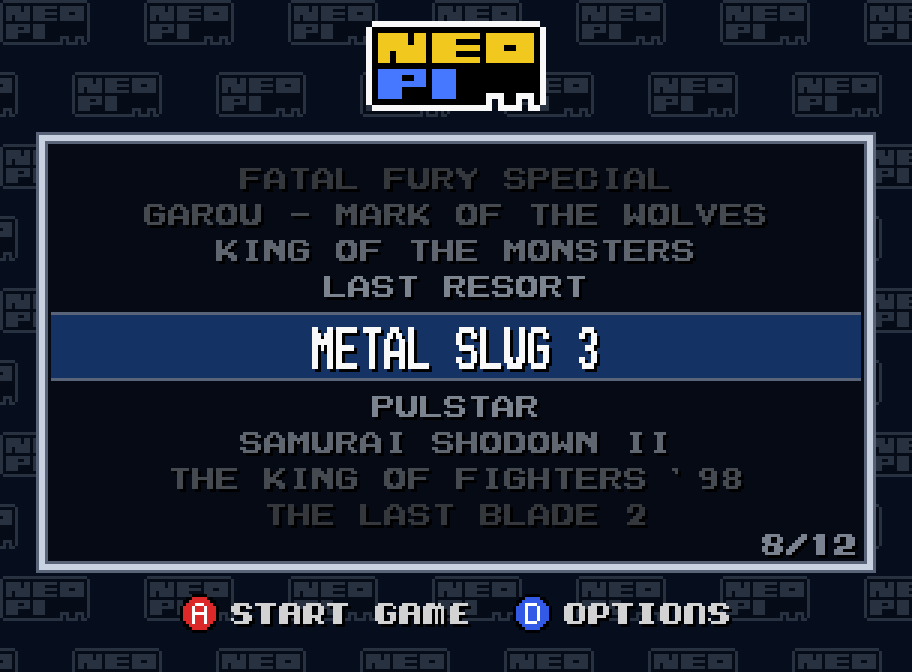
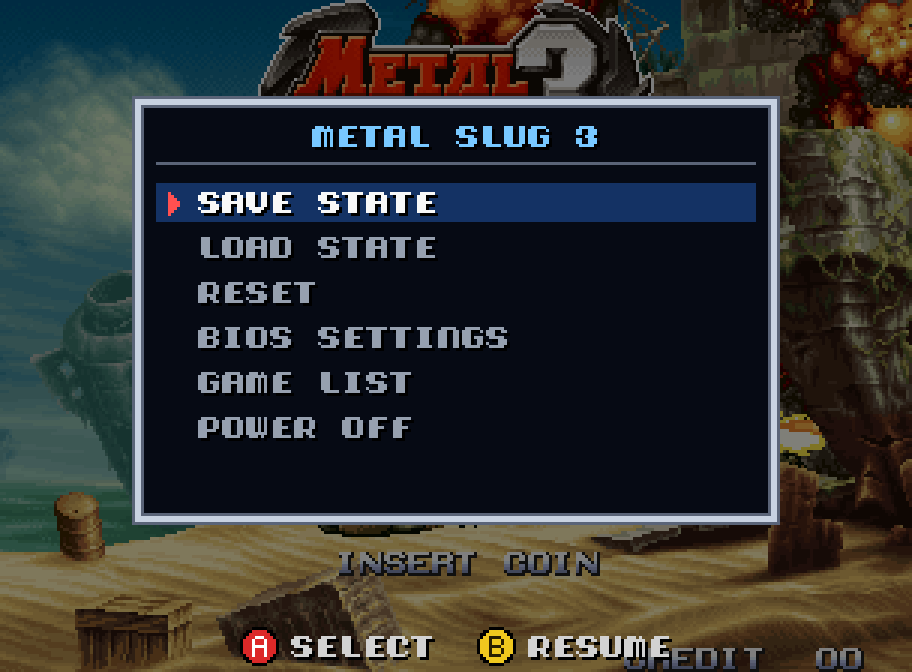
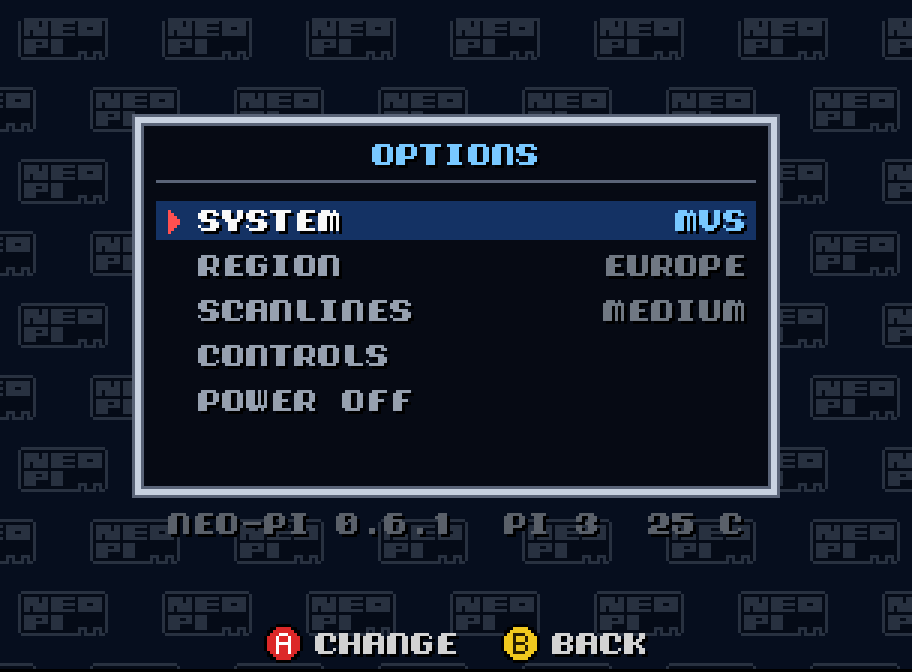
For RPi 3 & 4 · Free · GPLv3
Enjoying it? Buy me a crema caffèAccurate
Powered by Geolith, a highly accurate Neo Geo emulator. Play in MVS arcade mode or AES home-console mode, with support for all BIOS regions.
Made for arcade
USB gamepads are polled every millisecond for responsive input, with no operating system adding another layer between you and the game.
Pixel-perfect
Crisp, square pixels at 1080p or 720p, with optional scanlines, lag-free.
Fast boot
Streamlined, bare metal: from power on to the game in a few seconds.
Pad optimized
Save states, BIOS settings, screenshots, lazy finger (turbo). All driven from the gamepad.
Single-slot mode
Just one game on the card? neo-pi boots straight into it!
Get started in three steps
- Download the neo-pi package and extract its contents to the root of a FAT32-formatted microSD card.
- Copy your
neogeo.zipBIOS file and your.neogame files into theneopifolder. - Connect a USB gamepad and an HDMI display (on a Pi 4: HDMI 0, the port next to the power socket), insert the card and power on your Raspberry Pi.
BIOS files and games are not included with neo-pi.
Controls
The first time you connect a pad, neo-pi asks you to press the buttons you want as A, B, C, D, Start and Select. Then, in game:
- Select
- Insert a coin
- Select, held 1 s
- In-game menu: save and load state, reset, BIOS settings, game list, power off
- Select + A
- Screenshot
- Select + B
- Lazy finger (turbo buttons) on/off
- Select + C
- Status line on/off
- Select + D
- Credits
In the game list and in the menus, the buttons are shown on screen. The second pad is Player 2.
neo-pi is free. If you enjoy it, you can buy me a crema caffè :)
Coming next: composite output for CRT TVs, UniBIOS support, lag-free Blargg NTSC filter.
Buy me a coffee